Image Editing
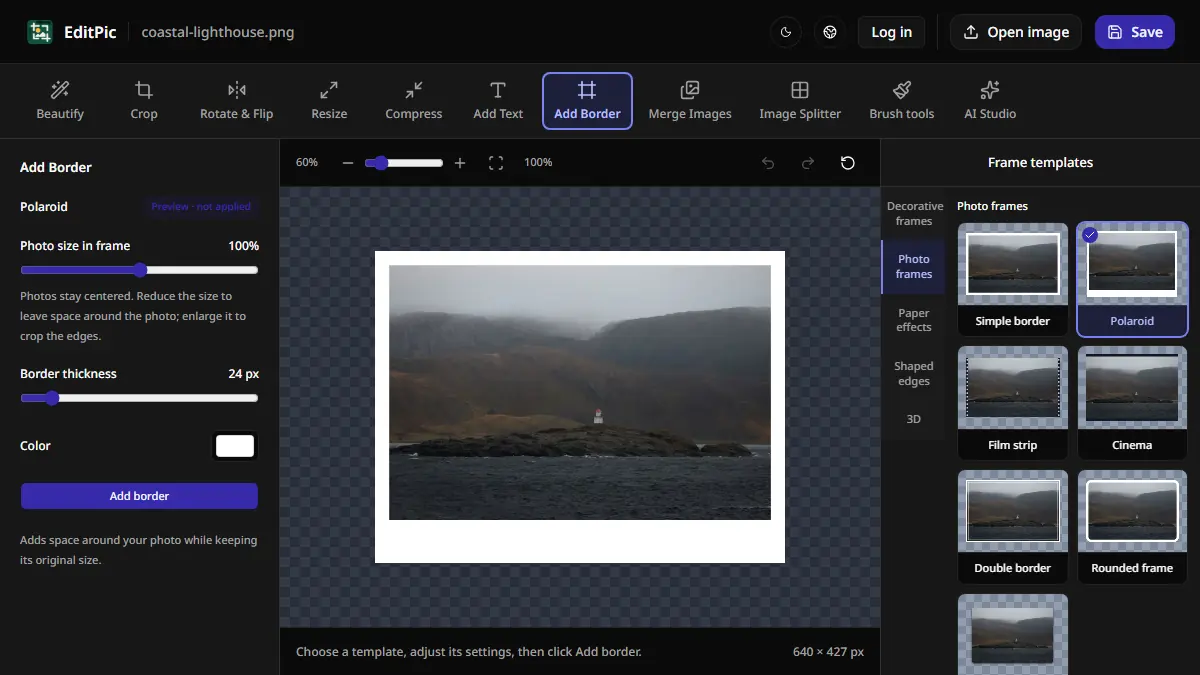
How to Add a Border to a Photo Online
Add a white border or Polaroid-style frame in EditPic. Learn which styles preserve the entire photo and how to check the new image dimensions.

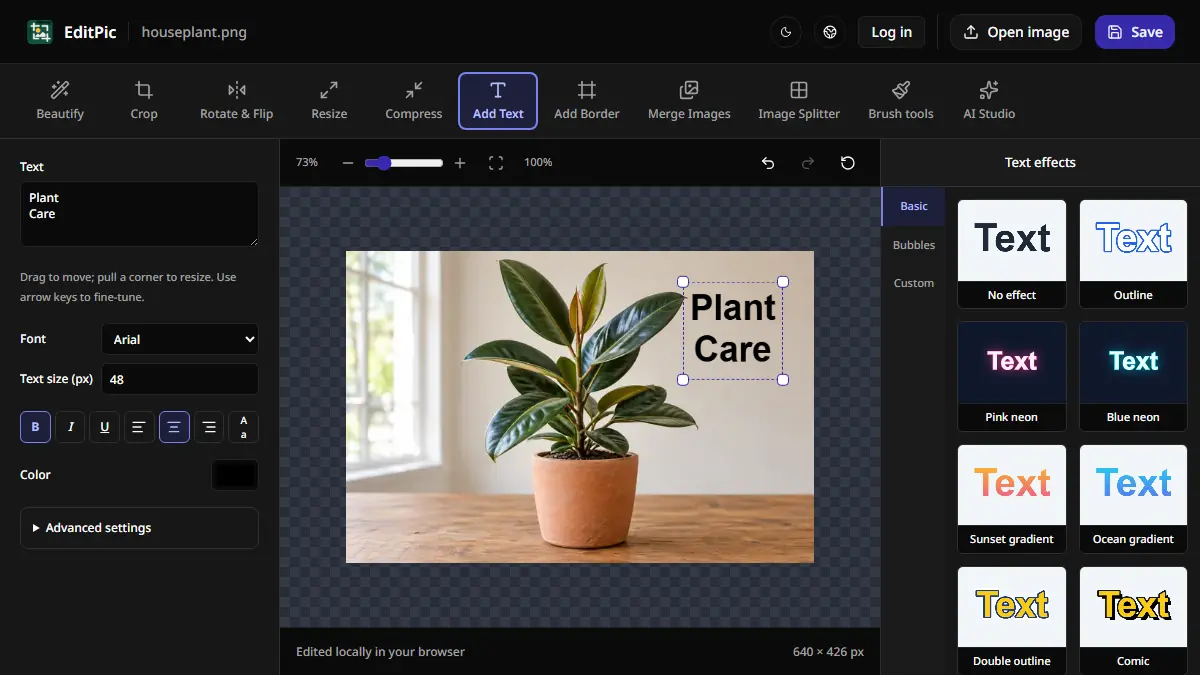
Image Editing
How to Add Text to a Photo Online
Add a caption, label, or title to an image in EditPic. Choose a font and color, drag the text into position, and save the finished photo.
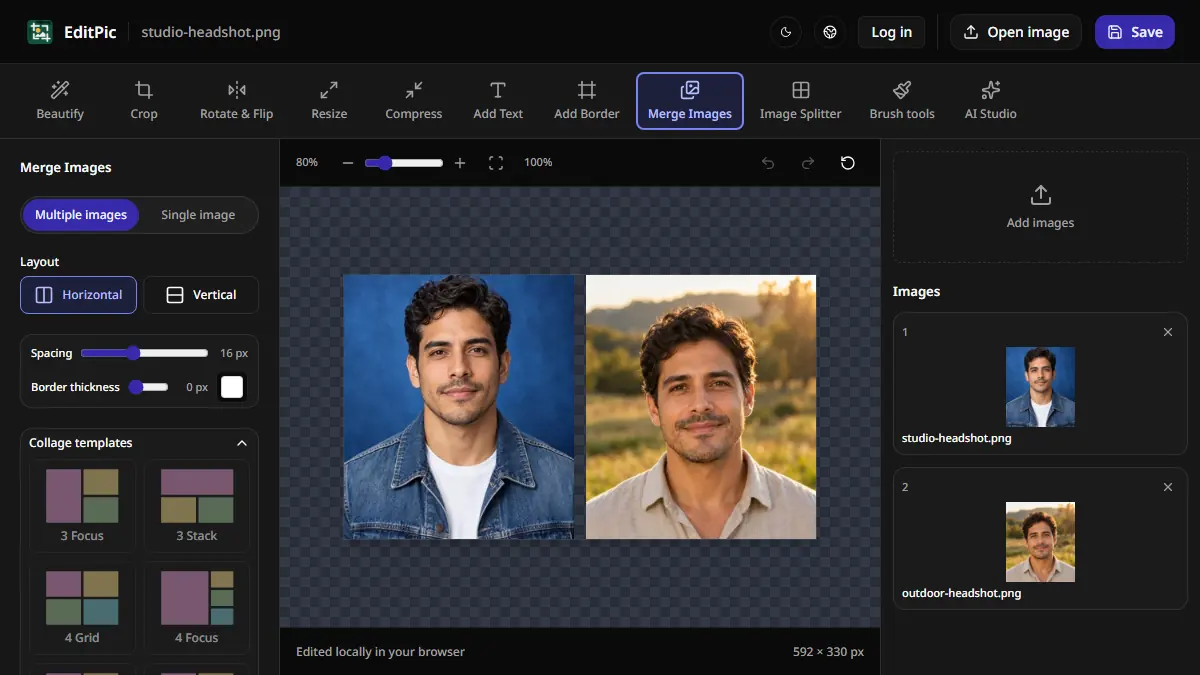
Image Editing
How to Combine Two Photos Side by Side Online
Put two pictures side by side in EditPic, control the gap and borders, and save a single image. See how to stack photos or make a larger collage.
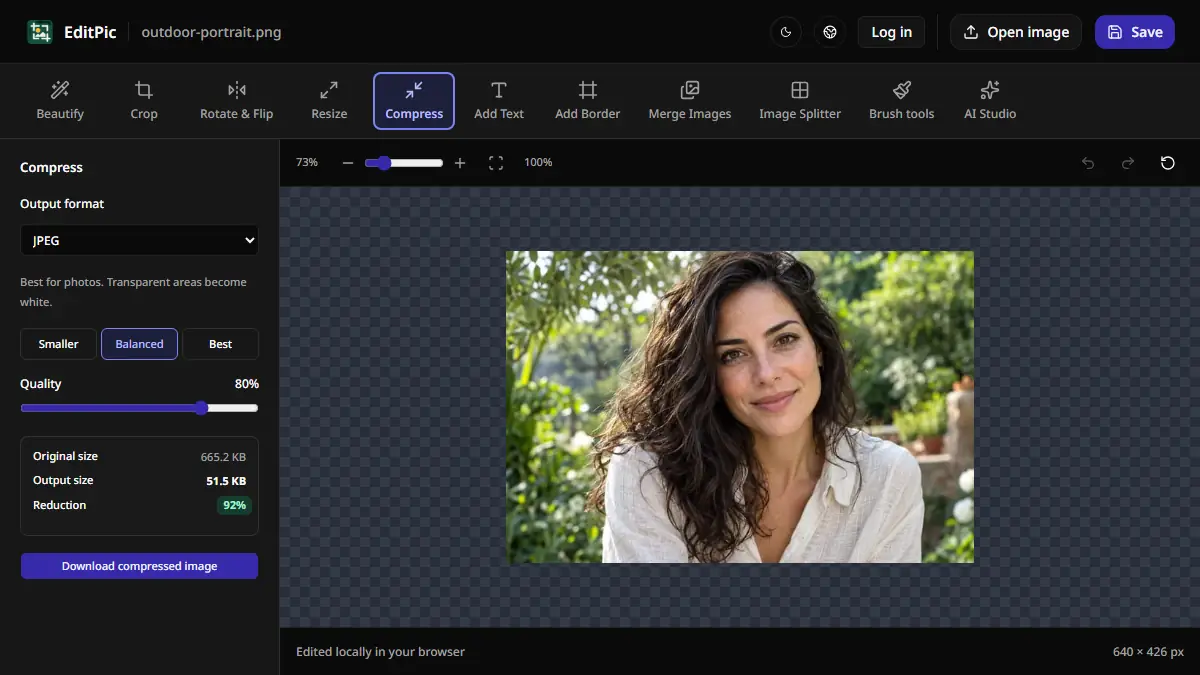
Image Editing
How to Compress an Image Online Without Resizing It
Reduce a photo’s file size in EditPic while keeping its pixel dimensions. Compare JPEG, WebP, and PNG and check the result against an upload limit.
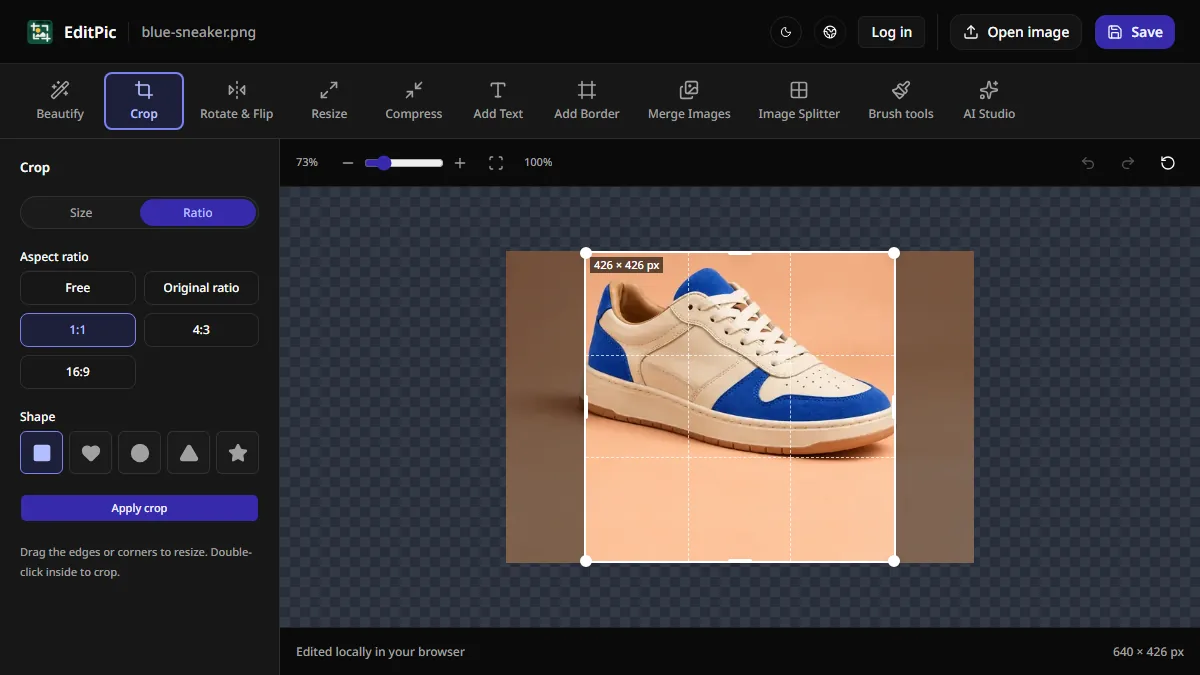
Image Editing
How to Crop an Image Online in EditPic
Use EditPic to crop a photo to a square, a wide 16:9 frame, or an exact pixel size. Move the crop box to keep the part you want, then save your image.
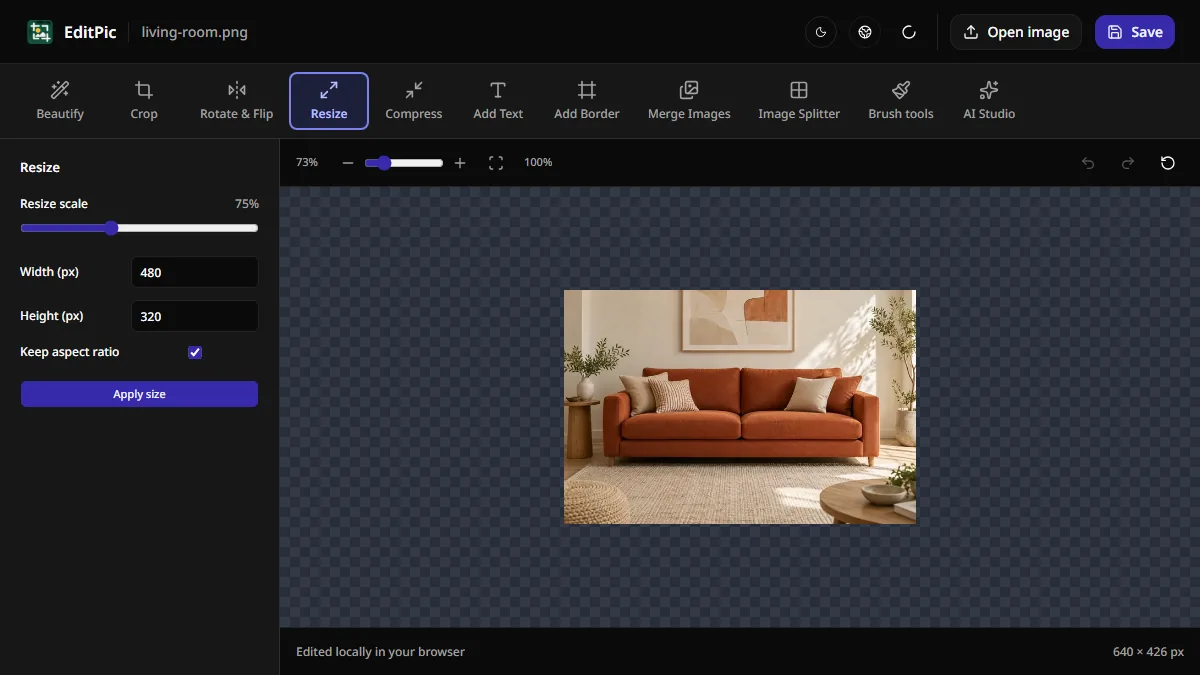
Image Editing
How to Resize an Image Online Without Stretching
Set a new width or height in pixels with Keep aspect ratio enabled. Learn how to resize a photo in EditPic and handle exact dimensions or file size limits.